Educational groups.
Updated: Nov 13, 2019
After establishing a public and professional network it is important that i start connecting with other professionals to engage in activities, tasks and conversations about the teaching profession as a whole, issues that affect teacher and ways to teach different topics in the classroom using different material, resources and media. For my PLN, i have engaged in different activities that are created by Microsoft educator.
Microsoft educator is an online website that offers free online courses for educators all over the world. Microsoft educator offers a wide range of topics that teachers can learn about, for example, incorporating the 21st century skills in the classroom. Microsoft educator enables teachers to have conversations with each other via conference calls or skype where they can all engage in different topics and aspects that they need to discuss for that day. When using this website, it is advisable that you join various communities. This is because different communities discuss or focus on different issues and topics. Microsoft educator offers certificates after the completion of each courses a recognition for being part of the course.
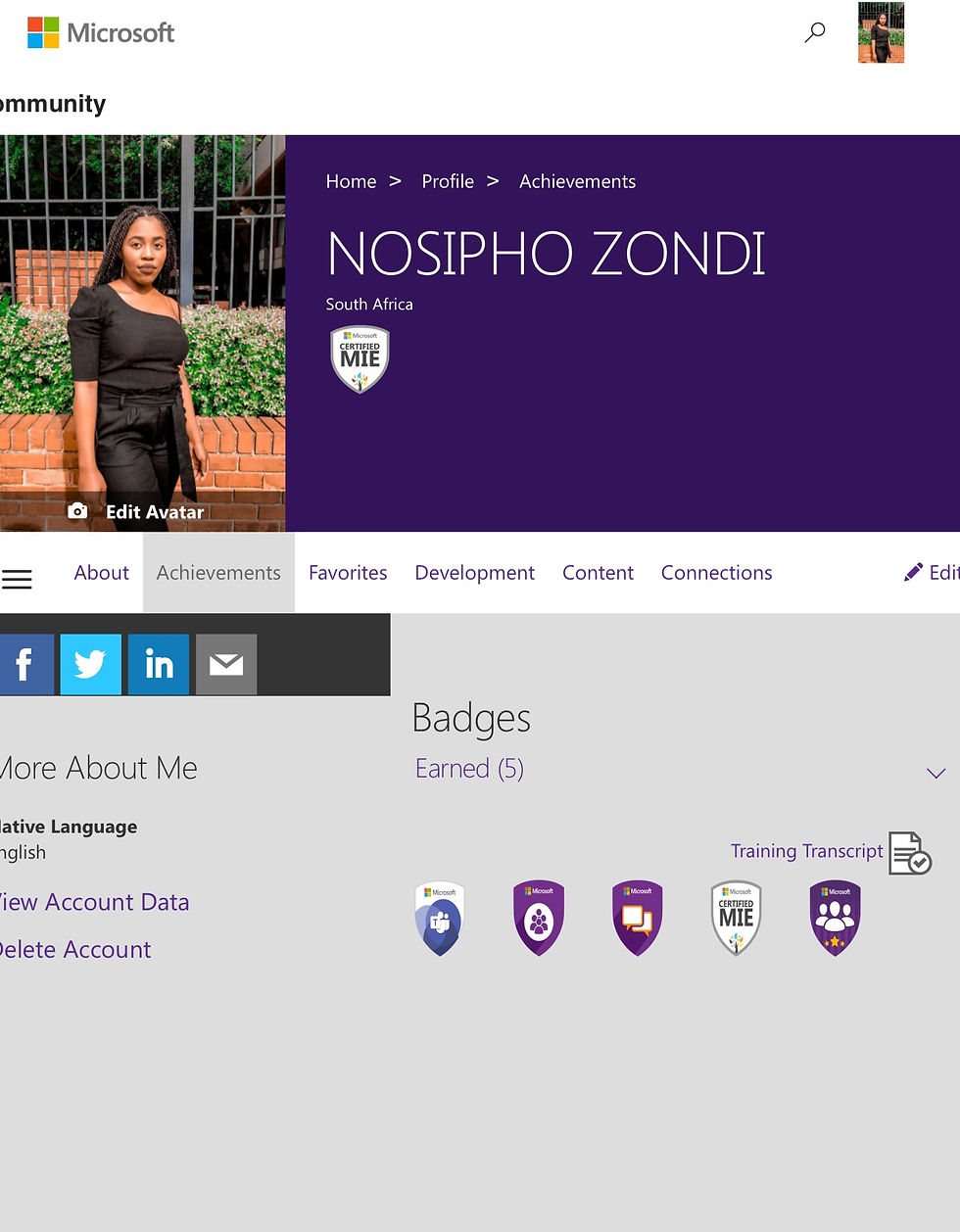
I have inserted my achievements from the Microsoft educator online course (slideshow) . Microsoft educator is a good educational platform for teachers because it focuses on teaching teachers which means they get to learn different way in which they can improve their teaching practice.
3. Content curation
Content curation is the process of gathering knowledge and information about a topic that you are interested in or going to teach in class. We often encounter large quantities of information that cannot be given to learners as it is. Content curation involves finding information that is relevant to my learners which i can simplify and select that which is important and worthy of knowing. I often use the google services to gather knowledge about a topic i am going to teach in the classroom. Google search is an online web search that consists of all the information that can be found on the internet.
3.1. Google search
Google search is an online search engine that has thousands of information in it. In some cases i use google scholar to find educational articles that have been written by academics.
3.2. Youtube
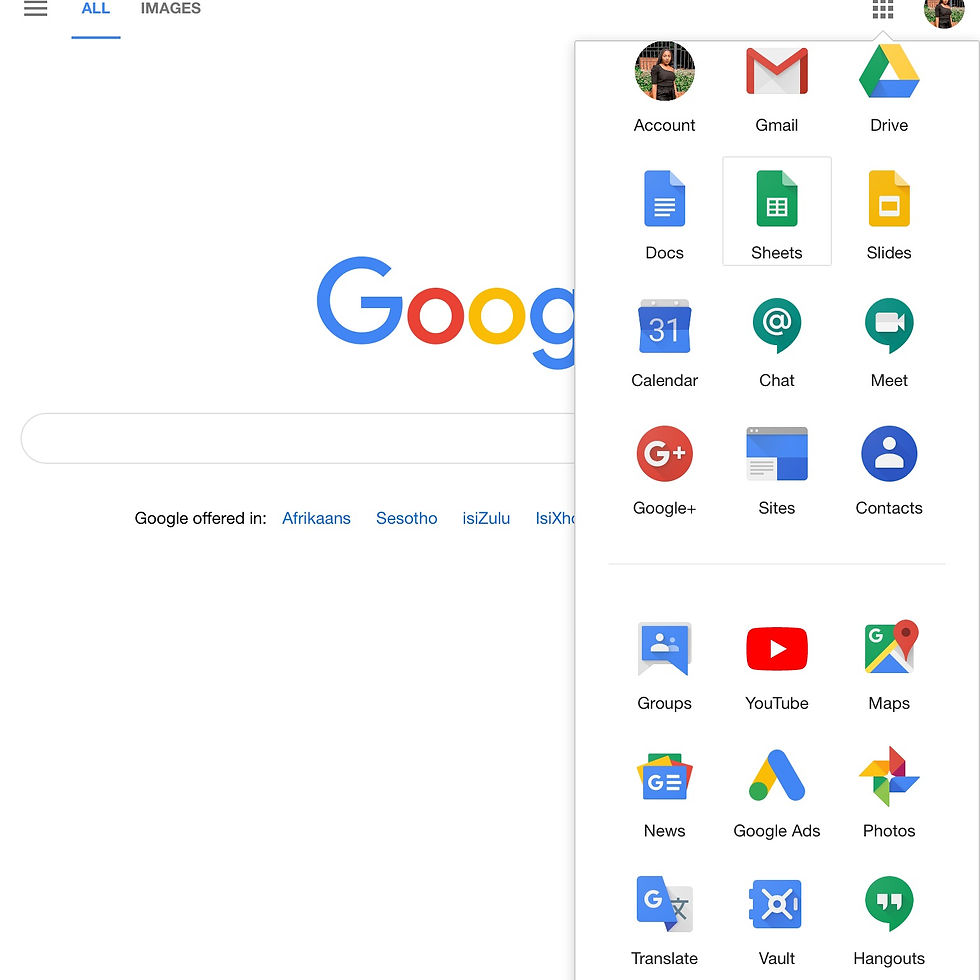
Youtube is an online application that mainly consists of videos that have been uploaded by different people all over the world. It has videos ranging from entertainment to education, movies and documentaries. I use Youtube to gather more information about different topics for my lesson. Youtube allows you to subscribe to different channels so that you are notified when the channel holder has uploaded a new video. My google account offers this application as part of the package for signing up for a google account.

3.3.Slide share
Slide share is a website that allows you to share presentations with different people. It also allows you to be able to view presentations from other people as well, thus, gathering information from what they have presented. Slide share is essential for professionals such as business owners, teachers and marketers. Slide share is linked to your linkedin account which means if you already have a linkedin account you can log in using that information rather that signing up for slide share separately.
Slide share is beneficial because when you upload or share presentations it an reach a large audience.This means that more professionals can access your presentation and give you feedback on it. It also means that you can gain access to many presentations that might be useful when gathering information.

Comments